Two Arista switches can share every port, every chip and every feature, and still be the wrong one for your rack. The difference is a single letter. -F pulls cold air in through the ports and pushes it out the back. -R does the opposite. Order the wrong one and you either turn the rack around or buy a full set of fans and power supplies to fix it.
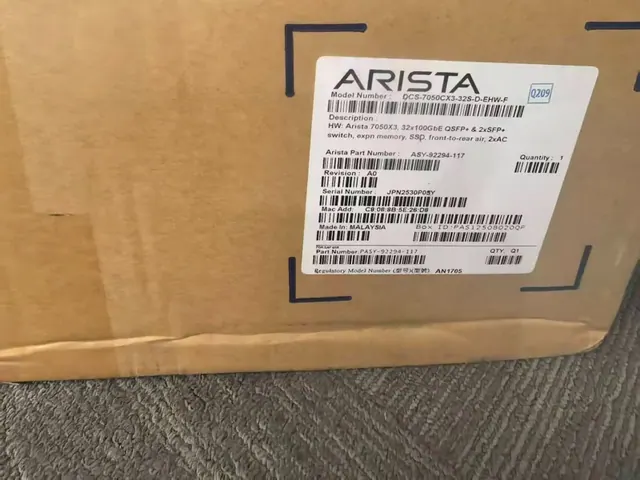
Reading the part number left to right
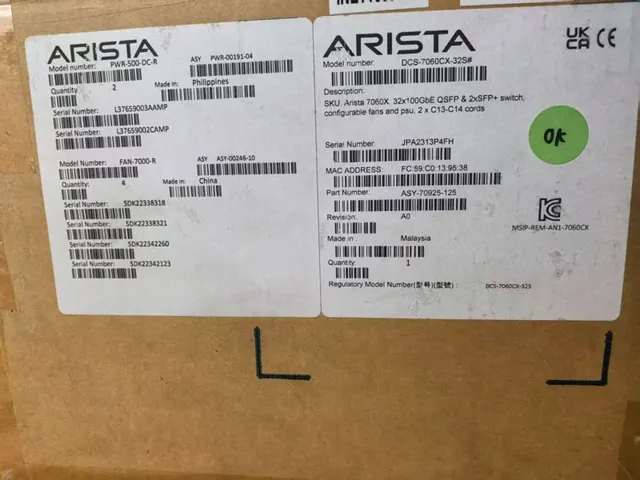
The prefix tells you what the box is. DCS is a switch. FAN is a fan module, PWR a power supply and KIT a rail or grounding kit. After that comes the series, then a code for the port layout, then the airflow.
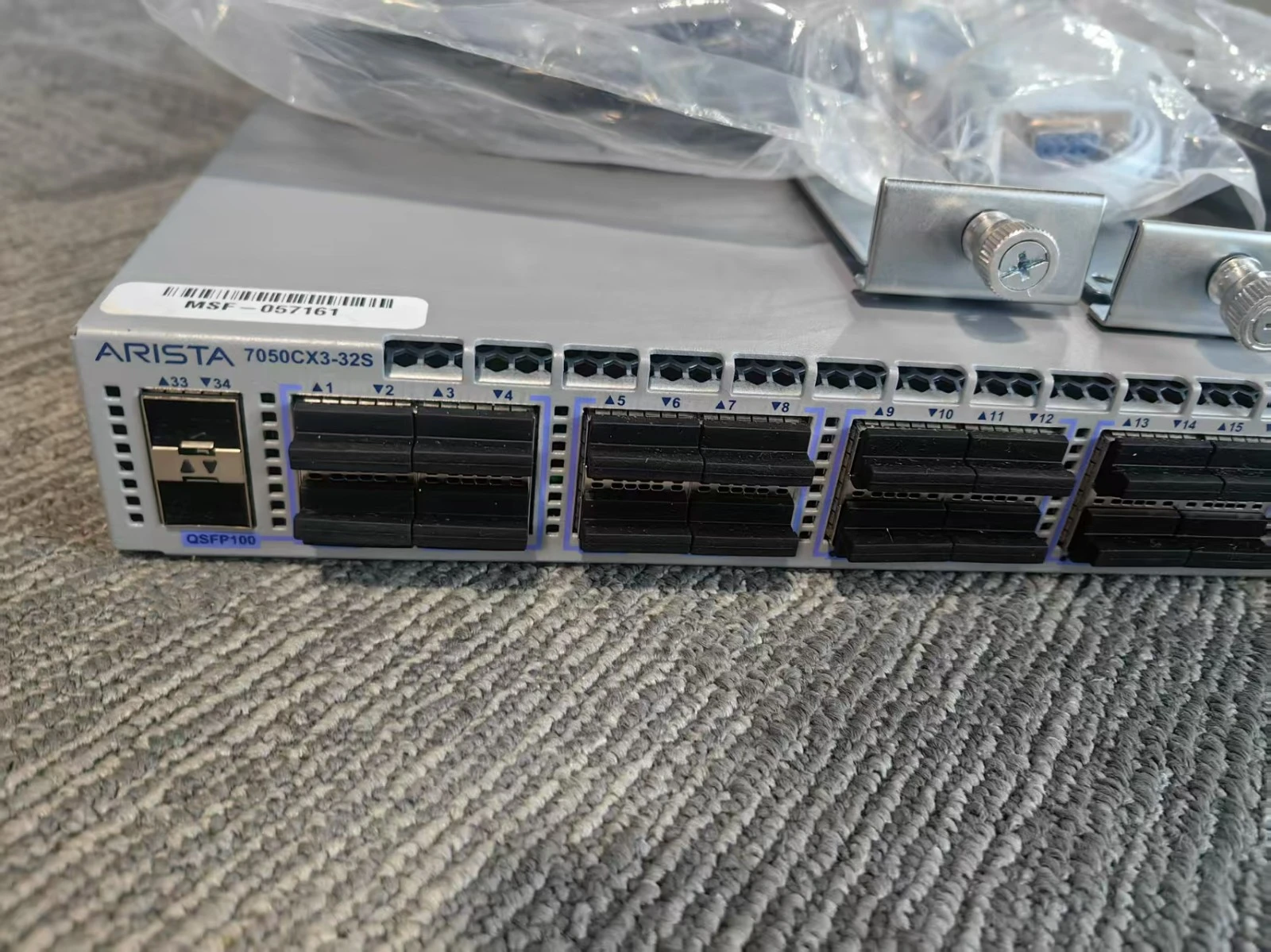
The series alone is not enough to quote against. A 7050CX3-32S and a 7050SX3-48YC8 are both 7050s, but one is thirty-two 100G ports and the other is forty-eight 25G ports with eight 100G uplinks. Always send the full part number.
-F and -R in one picture
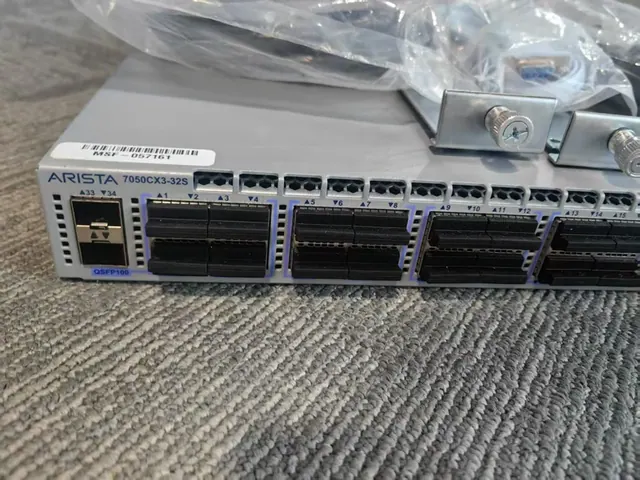
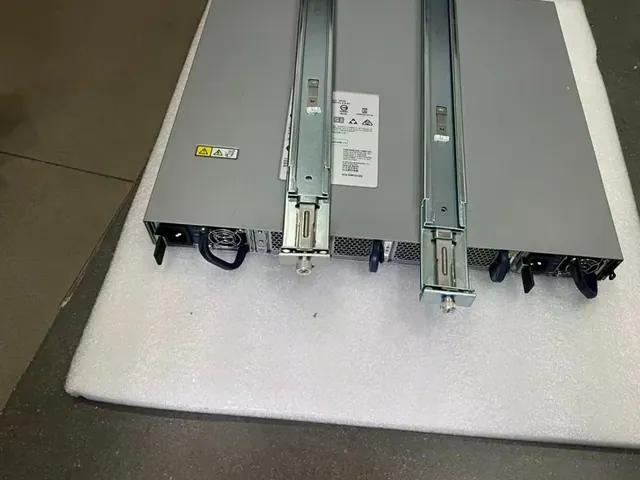
Arista describes -F as front to rear with air entering at the port side, and -R as rear to front with air leaving at the port side. Apart from that, the two versions are the same switch.
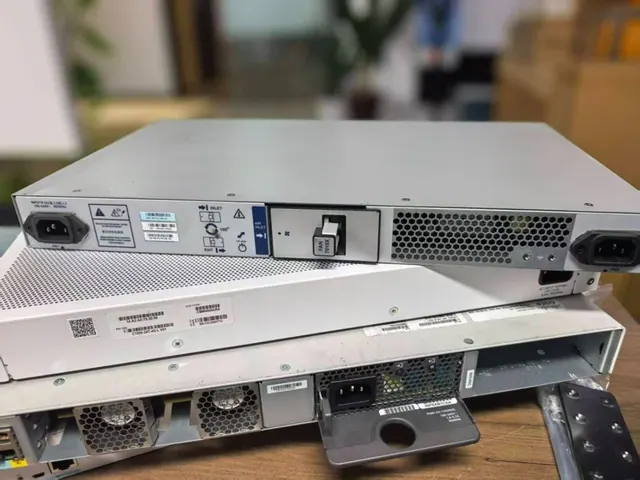
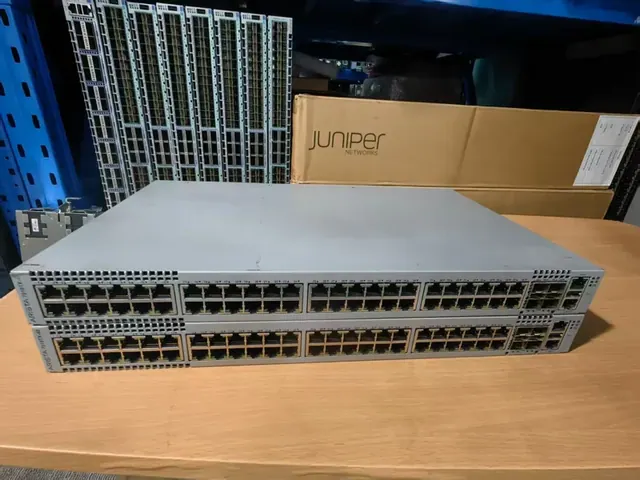
The quickest way to choose: stand in your cold aisle and look at where the ports will face. If you see ports, you want -F. If you see fans and power cords, you want -R. Top-of-rack switches cabled to servers often have their ports at the back of the rack, which is why -R turns up so often in those builds.
Fans, power supplies and the colour of the handle
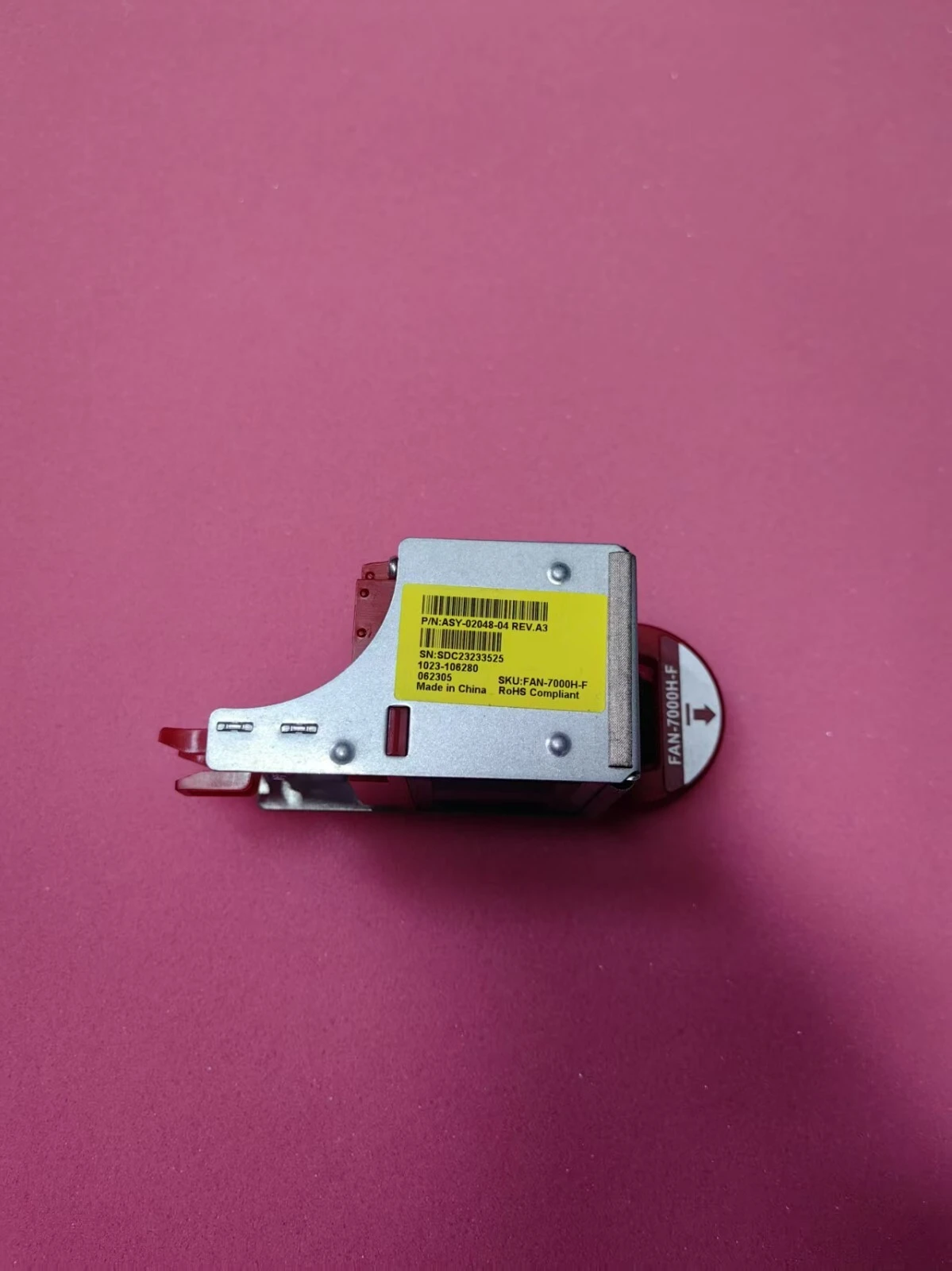
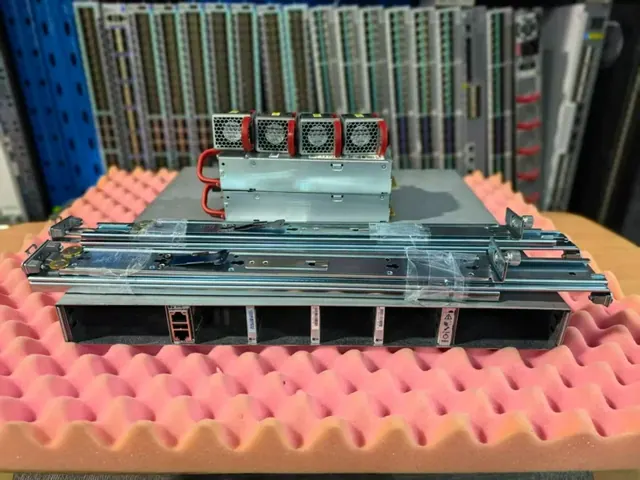
Every fan and power supply in the switch has to blow the same way as the chassis. Mix them and the modules fight each other, temperatures climb and the switch starts complaining.
Arista spares carry the direction in the suffix (FAN-7000H-F, PWR-500DC-R) or as a colour. On many current models a red handle marks an air exit module and blue marks an air inlet module. Treat the label as the final word, because colour schemes differ between generations.
Checks before you buy a used or refurbished Arista
- The airflow suffix matches every other switch in the rack.
- Both power supplies are present. Most Arista fixed switches run two for redundancy.
- AC or DC is what your rack delivers. DC models say so in the part number.
- Rack ears or rails are included, or priced separately.
- Support. Licences and support contracts do not move with second-hand hardware automatically. If you need Arista TAC, ask Arista or your partner before you buy, not after.
Quick answers
What does -F mean on an Arista switch?
Front-to-rear airflow. Cool air enters at the port side and leaves at the fan and power supply side.
What does -R mean on an Arista switch?
Rear-to-front airflow. Cool air enters at the fan and power supply side and leaves at the port side.
Can I put -R fans in a -F Arista switch?
No. Every fan and power supply must match the airflow of the switch, or it can overheat.
Are the -F and -R versions otherwise identical?
Yes. Arista sells them as the same switch with opposite airflow.
Sources
Send it with the quantity and we will come back with a price, usually the same working day.